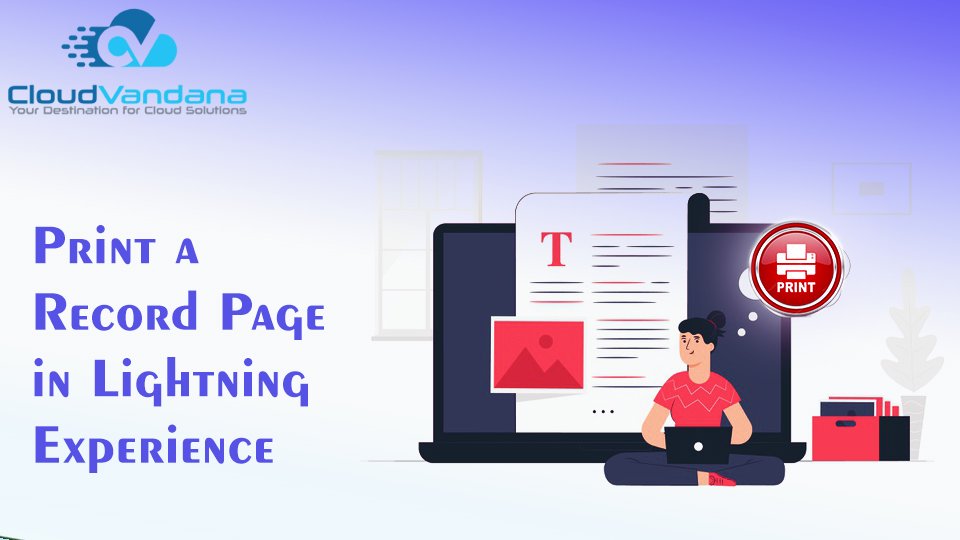
Salesforce gives the ability to print key details and related lists from a record page in Lightning Experience, just as in Salesforce Classic. You don’t need to switch back and forth to classic to use this feature.
Specify record details visibility on the printable page and print the page from the browser. This feature is available for all users, for Account, Campaign, Case, Contact, Contract, Lead, Opportunity, Order, and custom objects.
How to Use:
On a record home page, click Printable View. The sections and fields on the printable view reflect the current user’s page layout. The related lists reflect the current user’s related list preferences.

The printable view opens with the record details expanded or collapsed, based on visibility on the record home page. You can change the visibility for all record details or for individual detail sections.


Digital Marketing Manager at Cloudvandana Solutions
Request a Free Consultation
YOU MIGHT ALSO LIKE
How MuleSoft Connects Salesforce With ERP, Finance and Business Systems

Salesforce Customer 360: Connecting Sales, Service and Marketing Teams

Salesforce and Anthropic Launch Claudeforce: What It Means for the Future of Enterprise AI

Salesforce AIforce: What It Means for the Future of Enterprise Software

The Biggest Dreamforce 2026 Theme: The Agentic Enterprise